Payments
Accept cash and card on delivery, connect an online payment provider, and understand how payments and refunds complete.
Settings → Payments lists the ways customers can pay. Activate a method, finish its setup, then enable it at checkout.
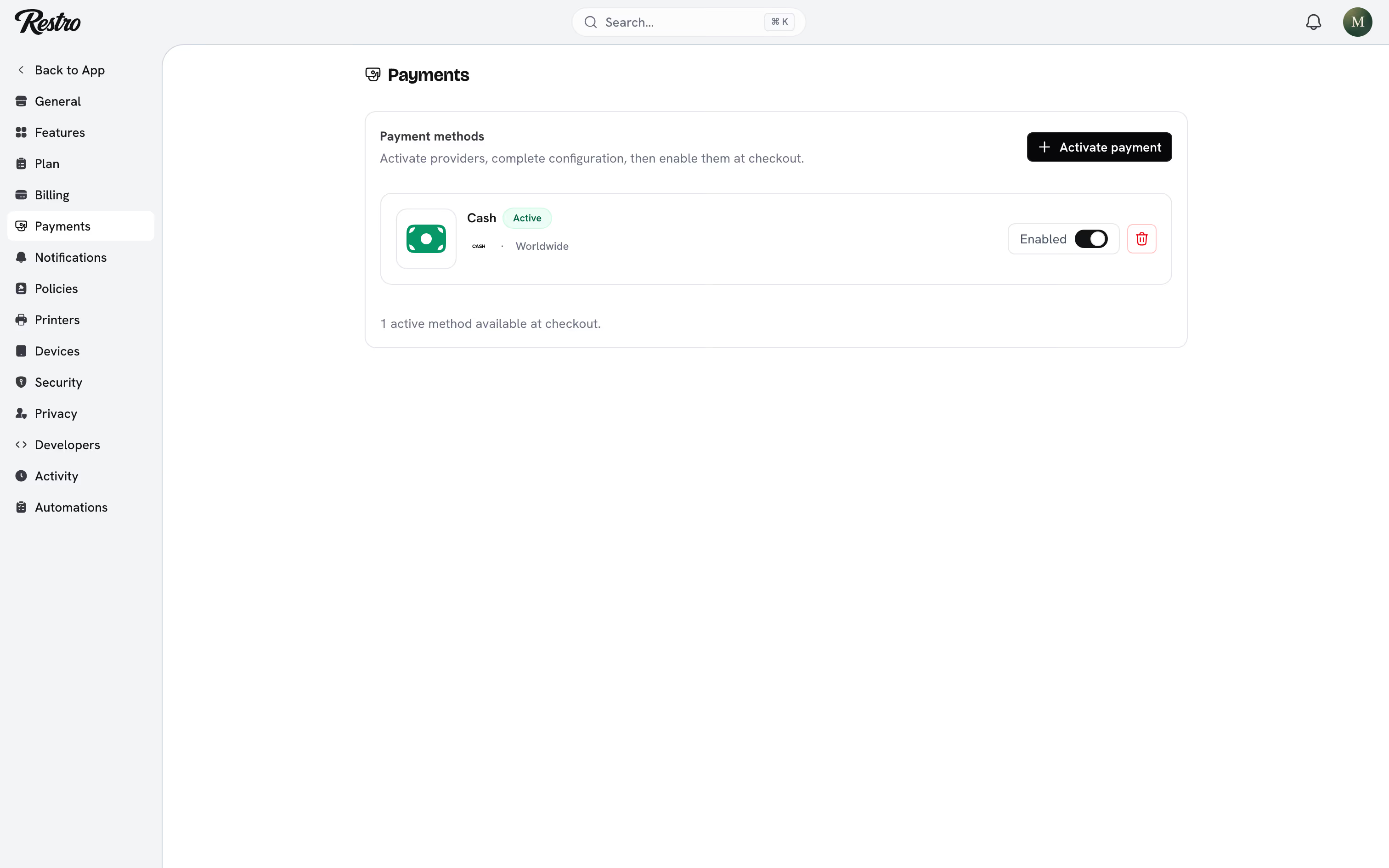
#Cash and card on delivery
Cash and Card on delivery need no setup. Activate them and they appear at checkout. Orders paid this way stay Unpaid until a member of staff marks them Paid, on the point of sale or from the order.
#Online providers
Restro connects to Stripe, PayPal, Adyen, Checkout.com, Mollie, Razorpay, Paystack and many more, including regional providers. Some are only available in certain countries, and the list says which.
Click Activate payment, search for the provider, and click Continue to setup. The provider's page lists exactly which keys it needs and where to find them in that provider's own dashboard. It also gives you the address to paste into the provider so that paid orders confirm automatically.
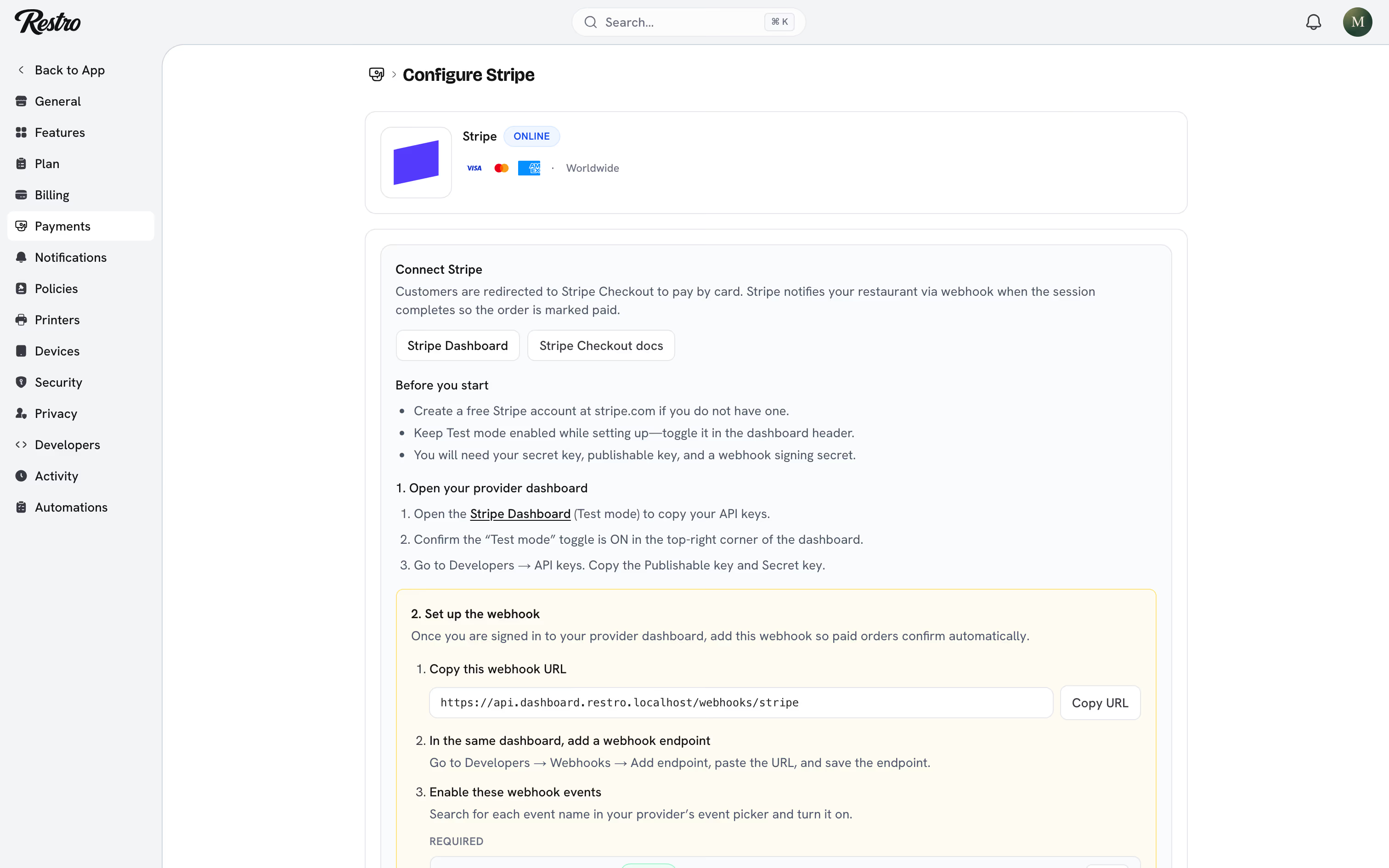
Credentials are encrypted and never shown back to you in full.
#How an online payment completes
- The customer checks out and Restro opens a payment with your provider.
- The customer pays on the provider's secure page.
- The provider tells Restro the payment succeeded.
- Restro checks the amount and marks the order Paid. A Pending order becomes Confirmed at the same time.
#The amount check
Before marking an order Paid, Restro checks that the amount the provider reports matches the order to the cent. If it does not, the payment is held, the order is flagged for review, and it is not confirmed. This stops a tampered checkout from confirming a $500 order for $5. Open the order to see the flag and decide what to do.
#Refunds
Where the provider supports it, refunding from the dashboard sends the refund to the provider and the money returns to the customer's card. Otherwise Restro records the refund and you move the money yourself. Either way the order shows Refunded and your reports reflect it. See Taking payment.
Card readers for the point of sale are registered under Settings → Devices. They run on the same Stripe or Adyen account you set up here.
Did this page miss something? Tell us.
Back to top