Plans and billing
Compare the plans, learn what happens when you reach a limit, and change your plan or find an invoice.
Settings → Plan shows your current plan and lets you change it. Settings → Billing holds your invoices and payment method. Owners manage both; accountants can view invoices.
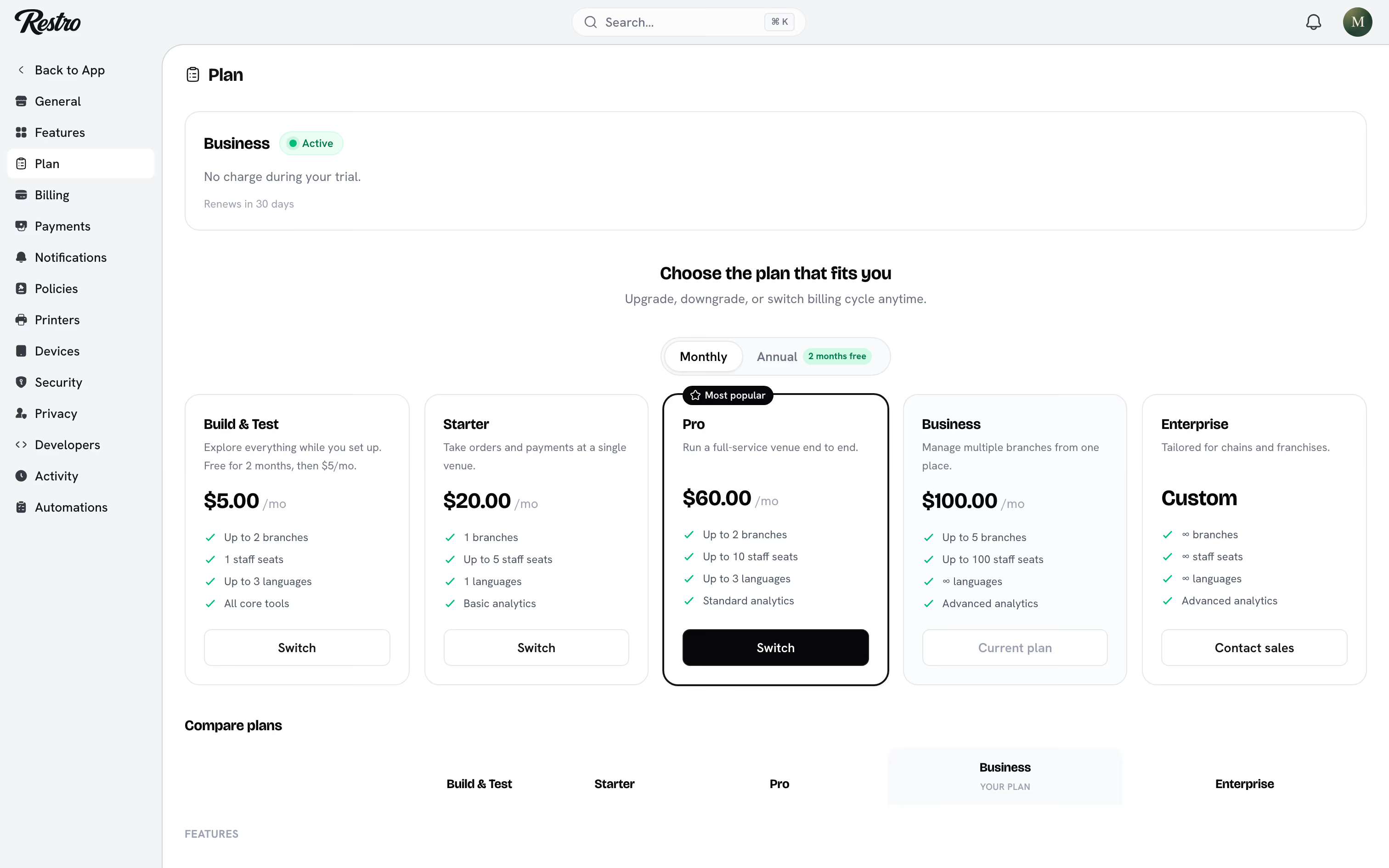
#Plans
| Plan | Price | Branches | Staff seats | Includes |
|---|---|---|---|---|
| Build & Test | Free for 2 months, then $5 a month | 2 | 1 | Everything to explore, without online payments, the mobile app or analytics |
| Starter | $20 a month | 1 | 5 | Online payments, website, kitchen display and waiter app, basic analytics |
| Pro | $60 a month | 2 | 10 | Point of sale, mobile app, reservations, cash management, basic inventory, standard analytics |
| Business | $100 a month | 5 | 100 | Loyalty, staff scheduling, full inventory, unlimited languages, advanced analytics |
| Enterprise | Contact sales | Unlimited | Unlimited | Custom roles and everything above |
Annual billing gives you two months free.
#How limits behave
When an action would exceed a plan limit, Restro stops you before the form. Adding a third branch on Pro or inviting an eleventh staff member are examples. A panel names the limit you have reached, the cheapest plan that clears it, and everything else that plan adds. Opening a create page directly by URL sends you back to the list with the same panel open.
The same panel covers features your plan does not include, such as reservations on Starter or loyalty on Pro. Nothing you already created is taken away. Existing data stays readable; only the actions that would add to it are held back.
If your role cannot manage billing, the panel tells you to ask an owner instead of pointing you at checkout.
#Changing plan
On Settings → Plan, click Upgrade or Switch on the plan you want. Upgrades take effect immediately. Downgrades take effect at the end of the current period. If your current usage exceeds the target plan's limits, Restro tells you up front so you can decide what to remove first.
#Invoices
Settings → Billing lists your invoices, your card and the next renewal date. Click Manage billing to update the card.
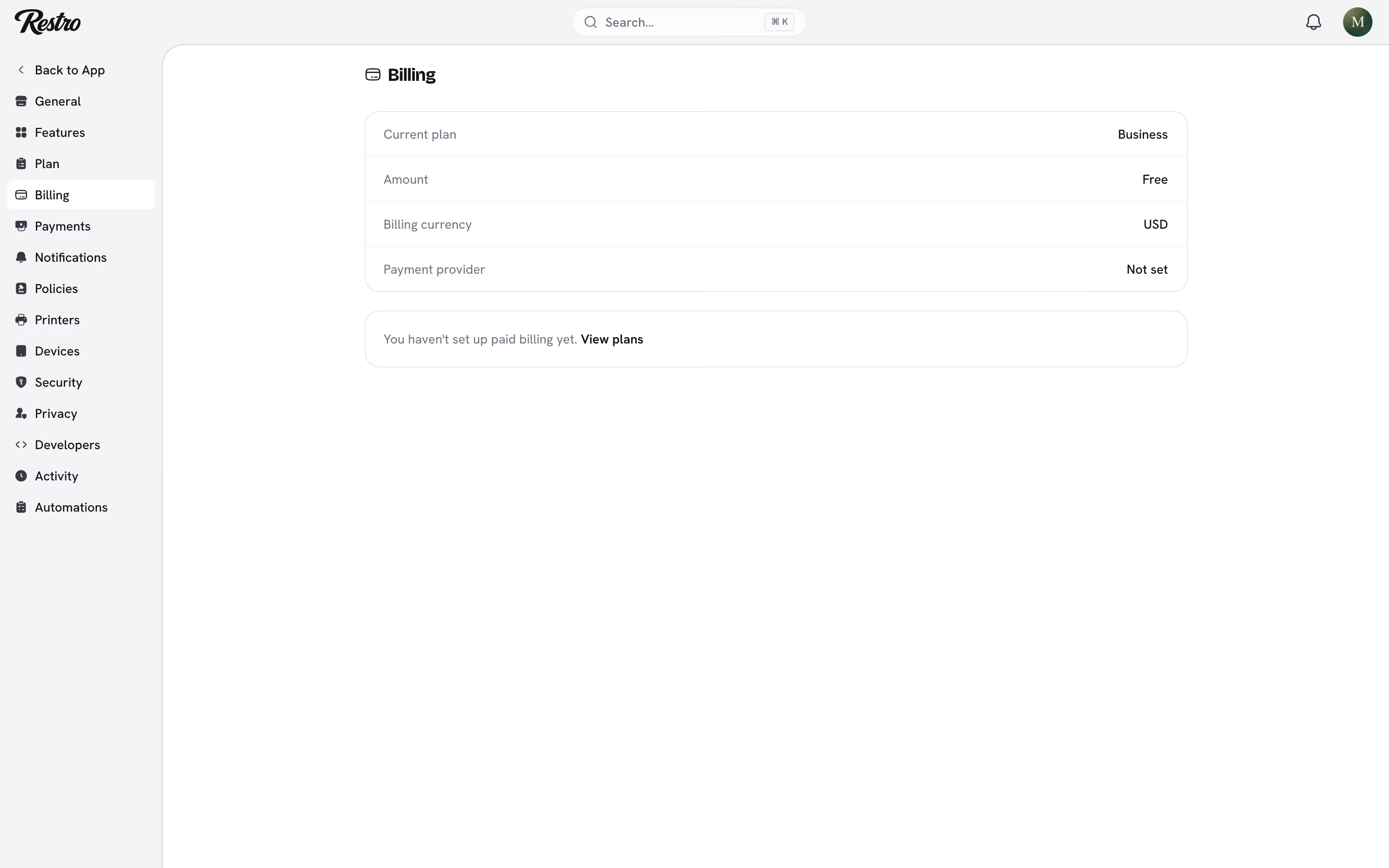
Your subscription shows as Trial, Active, Past due, Canceled or Incomplete. If a payment fails, the plan shows Past due and keeps working for a grace period while you update the card. After that, access is restricted until a payment succeeds.
Did this page miss something? Tell us.
Back to top