Discounts
Create code and automatic discounts, choose what they apply to, set minimums and limits, and apply one at the counter.
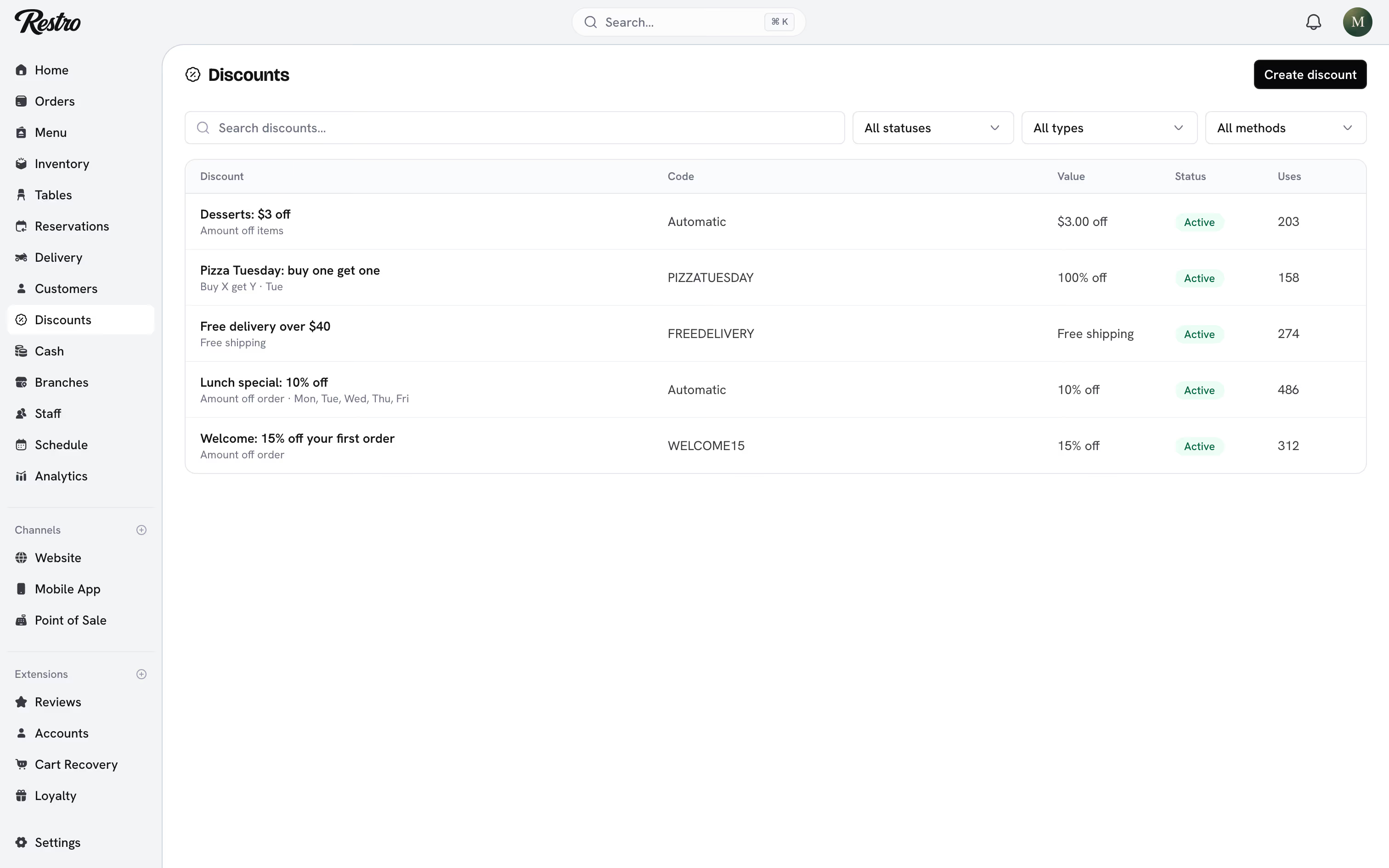
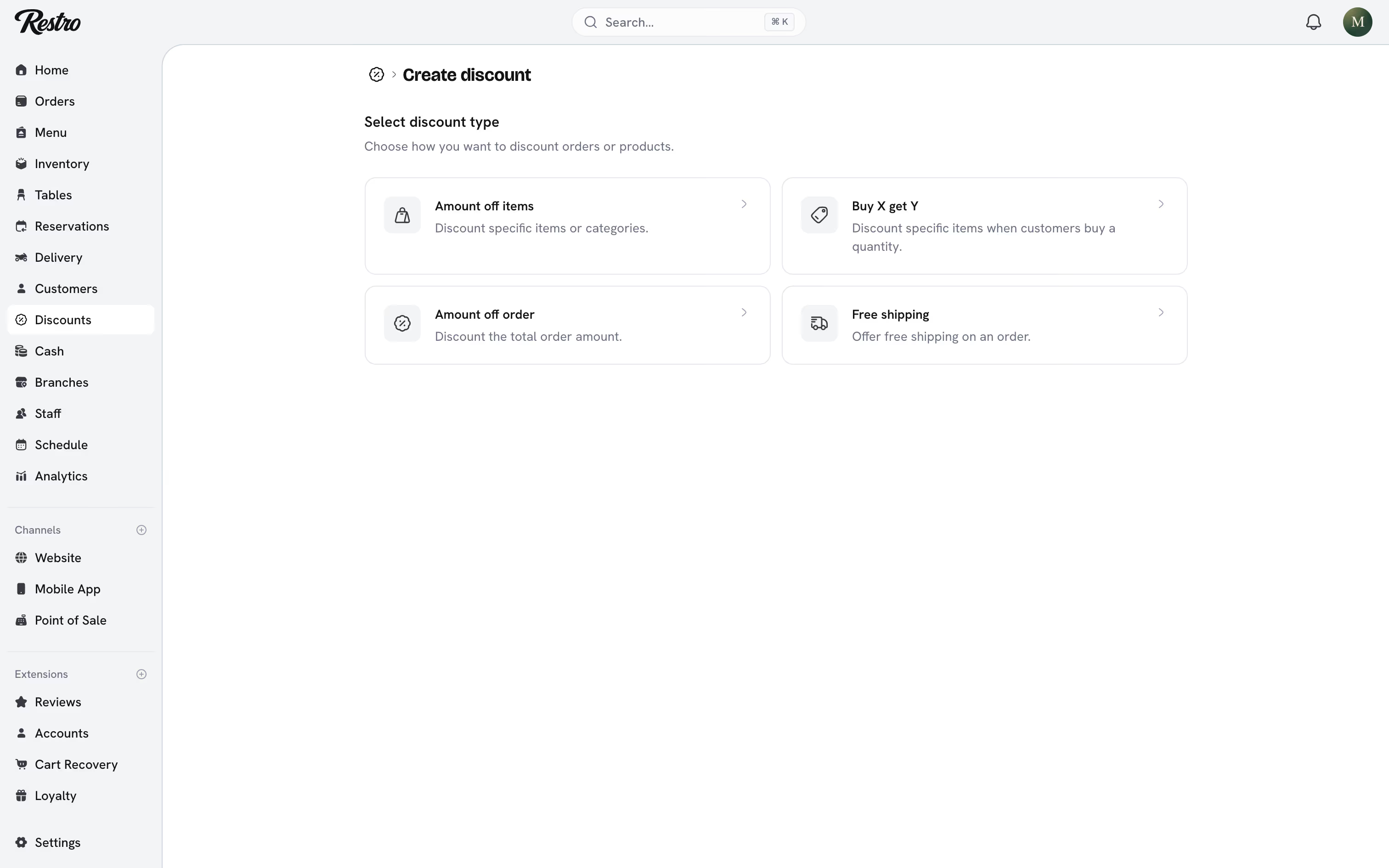
Discounts lists every discount with its type, method, value, uses and status: Active, Scheduled, Expired, Inactive or Limit reached. Choose Create discount and pick a type to start.
#Types
| Type | What it does |
|---|---|
| Amount off items | Discounts specific items or categories. |
| Amount off order | Takes an amount off the whole order. |
| Buy X get Y | Discounts specific items when the customer buys a set quantity. |
| Free shipping | Removes the delivery fee. Delivery orders only. |
#Method
Code discounts need the customer to type the code at checkout. Type a code of your own or choose Generate. Automatic discounts apply themselves when their conditions are met. The title of an automatic discount is what customers see (Summer sale); a code discount's title is only an internal name.
#Value
Choose a Percentage or a Fixed amount. On items, a fixed amount comes off each item. For Buy X get Y, set how many items the customer buys and how many they get, then how much they save on those. Use 100% for a free item.
Value and branches are set together. Choose which branches offer the discount and the amount at each, so SoHo can run an offer that Williamsburg does not.
#What it applies to
All items, Specific items or Specific categories. Only categories you built by hand can be targets. Dynamic categories such as best sellers or offers pick their items automatically and are not offered here.
#Before-and-after prices on the menu
An automatic Amount off items discount with no minimum requirement shows on the menu itself. Customers see the discounted price as the current price, the regular price struck through, and a Save X% tag on item cards. Only one discount applies to an order, so the menu shows each item's best one.
Items on such a discount also qualify for an Offers dynamic category. For a struck-through price without a discount, set a compare-at price on the item instead. See Menu.
#Minimum requirements
A discount can require a Minimum purchase amount or a Minimum quantity of items before it applies, or have no minimum at all.
#Limits
- Maximum discount uses: limit how many times the discount can be used in total, and how many times one customer can use it.
- Active dates: start now or on a chosen date, and optionally set an end date.
- Repeat on specific days: limit the discount to certain days of the week.
- Branches: only the branches you enable offer it.
#How redemptions are counted
A redemption is reserved when the order is placed and only counted once the order is Confirmed or Paid. If the payment fails or the order is Cancelled, the redemption is released and the code can be used again. A code with one use left is not burned by an abandoned checkout.
#Applying a discount at the counter
Owners, admins, managers, supervisors and cashiers can apply a discount to an order from the point of sale or the dashboard. That includes one that would not have applied on its own. Creating and editing discounts is for owners, admins, managers and the Marketing role. Most floor staff should be able to apply discounts without being able to create them.
On the till, Add a discount lists everything the cart qualifies for and takes a code the customer has. See Taking payment.
#Related
Did this page miss something? Tell us.
Back to top