Extensions
Optional add-ons you switch on per restaurant: reviews, accounts, loyalty, cart recovery, languages, tracking pixels and cookie consent.
Extensions in the sidebar lists every add-on. Each one is off by default. Choose Add extension to switch one on, then open it from the sidebar to change its settings.
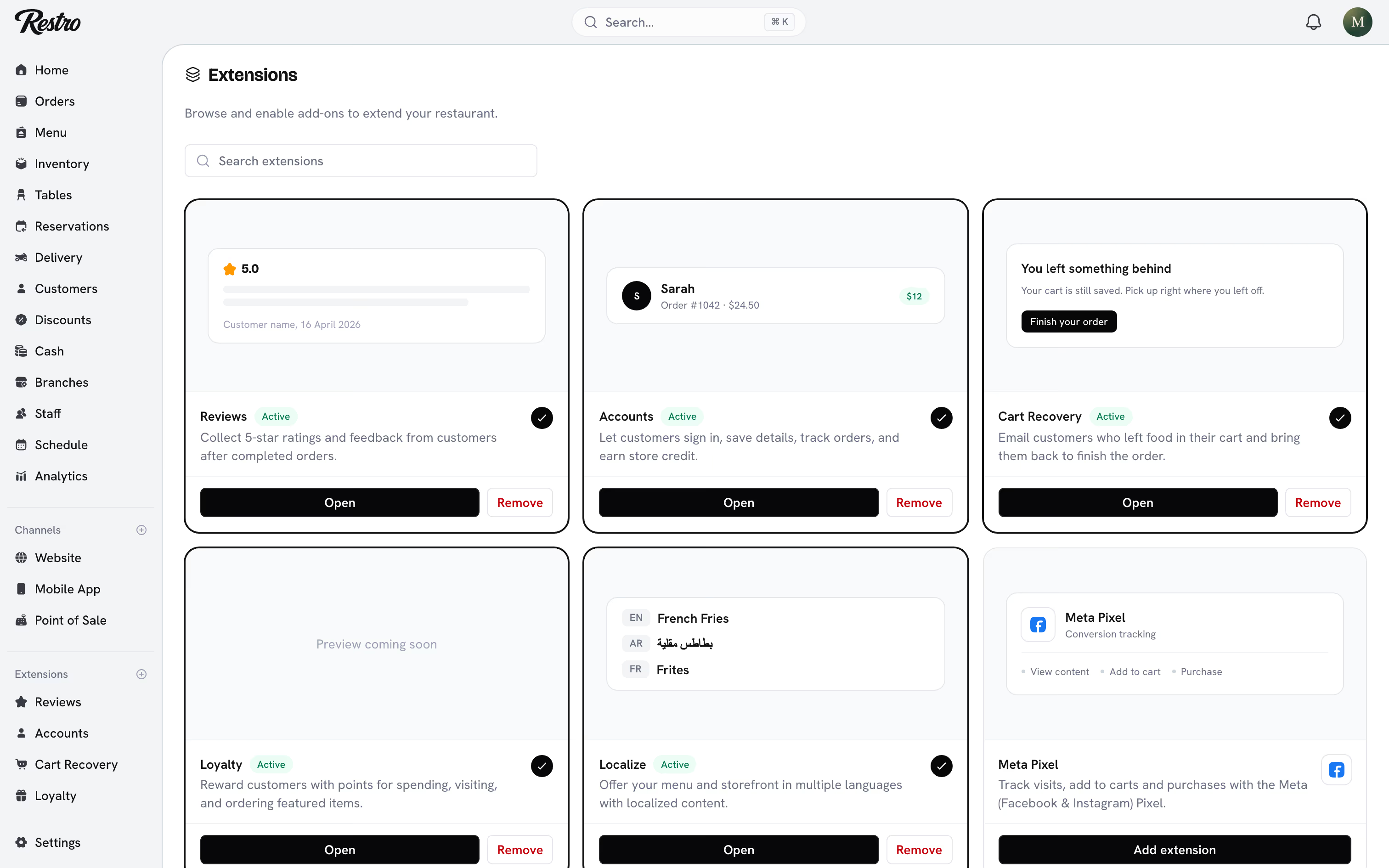
#Reviews
Collects star ratings for food and delivery, with a written comment, after an order is Completed. Restro emails the request when the order completes. Only completed orders can be reviewed, so every review is verified.
The Reviews page shows your totals and average ratings, and lists each review with its order number. Choose per review whether it is visible on your website, and reply to it. A reply is published under your name and can be edited for 24 hours.
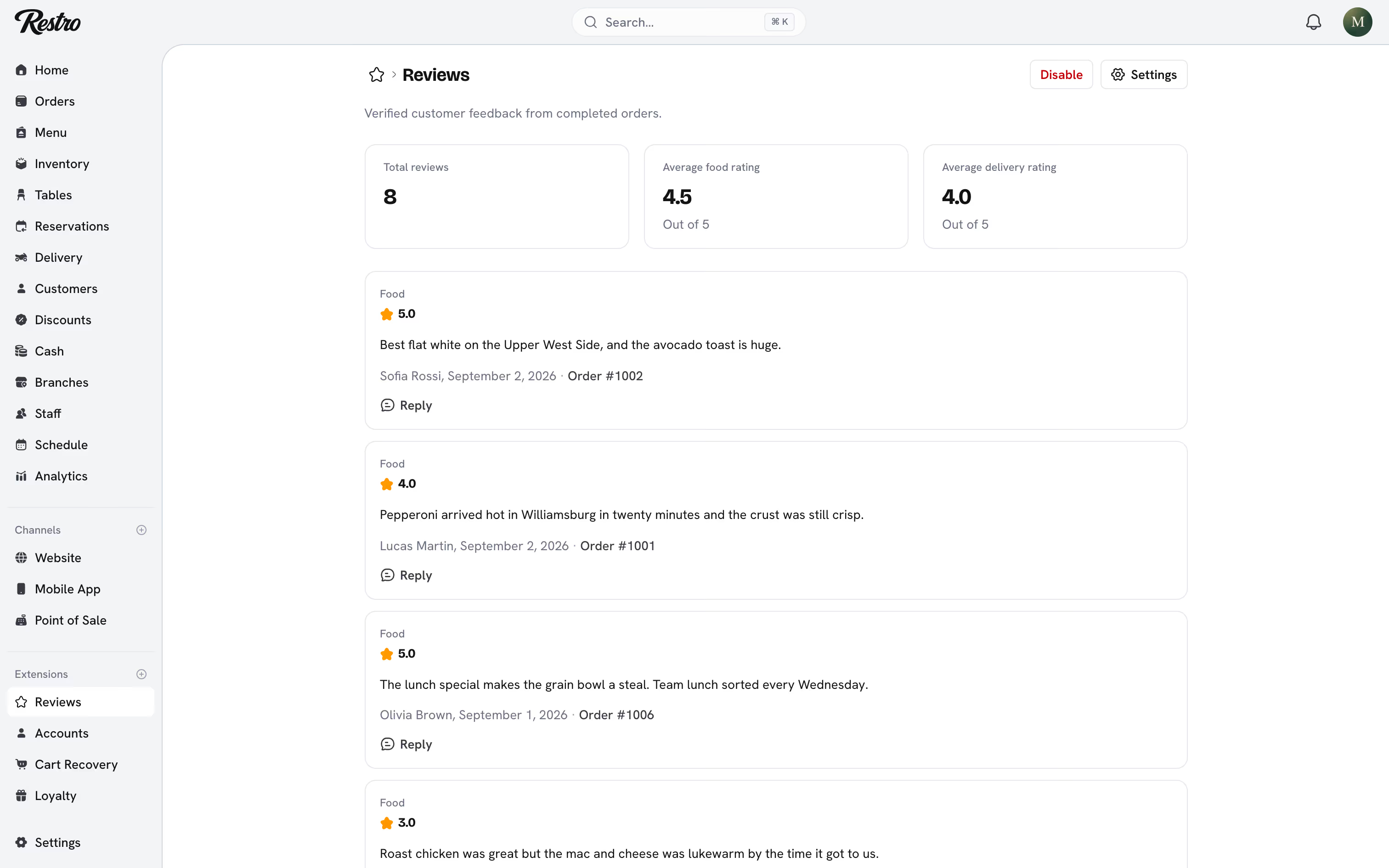
Under Reviews settings, choose whether to show a public Reviews page on your website and your average rating on the homepage. Low rating alerts email you when a guest rates food or delivery at or below the threshold you set.
#Accounts
Lets customers sign in with an emailed link or a one-time code, save their details and addresses, track orders, and hold store credit. Without it, ordering is guest-only.
Store credit is set up here too. Set a Signup bonus, granted when a customer first verifies their account, and a Referral bonus for a successful referral. Then set what credits are worth in each currency your branches use. See Customers and store credit.
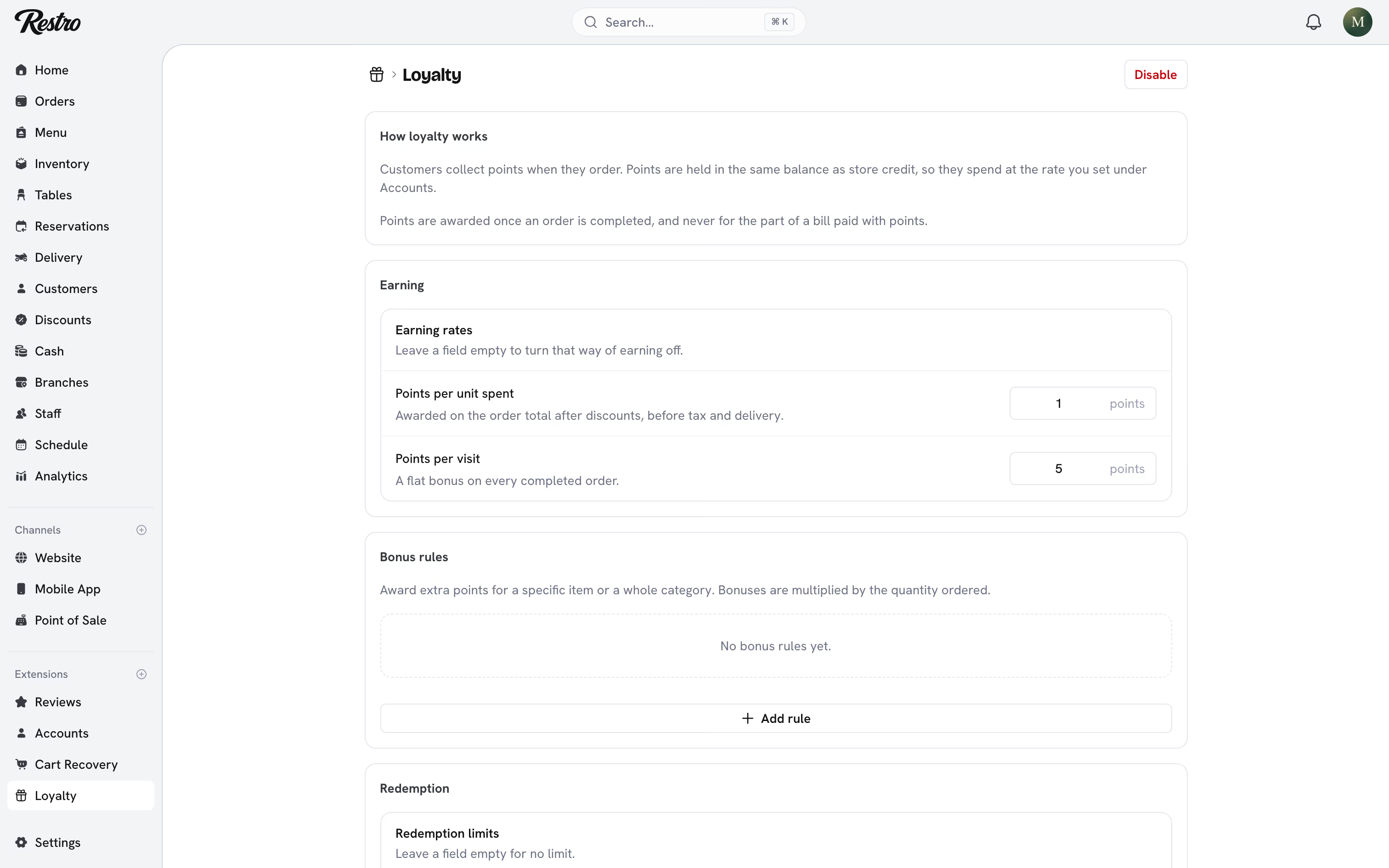
#Loyalty
Customers collect points when they order. The points sit in the same balance as store credit, so they spend at the rate you set under Accounts. They are awarded once an order is Completed, never for the part of a bill paid with points. Earning is set by Points per unit spent (on the order total after discounts, before tax and delivery), Points per visit (a flat bonus per completed order) and Bonus rules (extra points for a specific item or category, multiplied by the quantity ordered). Redemption limits set the minimum balance needed to redeem and the largest share of a bill that points can cover, and disabling Loyalty keeps every balance.
#Cart Recovery
Emails customers who added food to a cart and then left without ordering.
A cart counts as abandoned once it sits untouched for the idle window you pick, an hour by default. Restro then sends a reminder with the items still in it and a link that restores the cart on any device. You can send a second reminder after a delay and attach a code discount as an incentive; the code appears in the email.
Restro only emails customers who have opted in: signed-in customers from their marketing preference, guests with the checkbox at checkout. Every reminder carries an unsubscribe link that takes effect immediately. Carts with no contact details are counted in your reporting but never emailed.
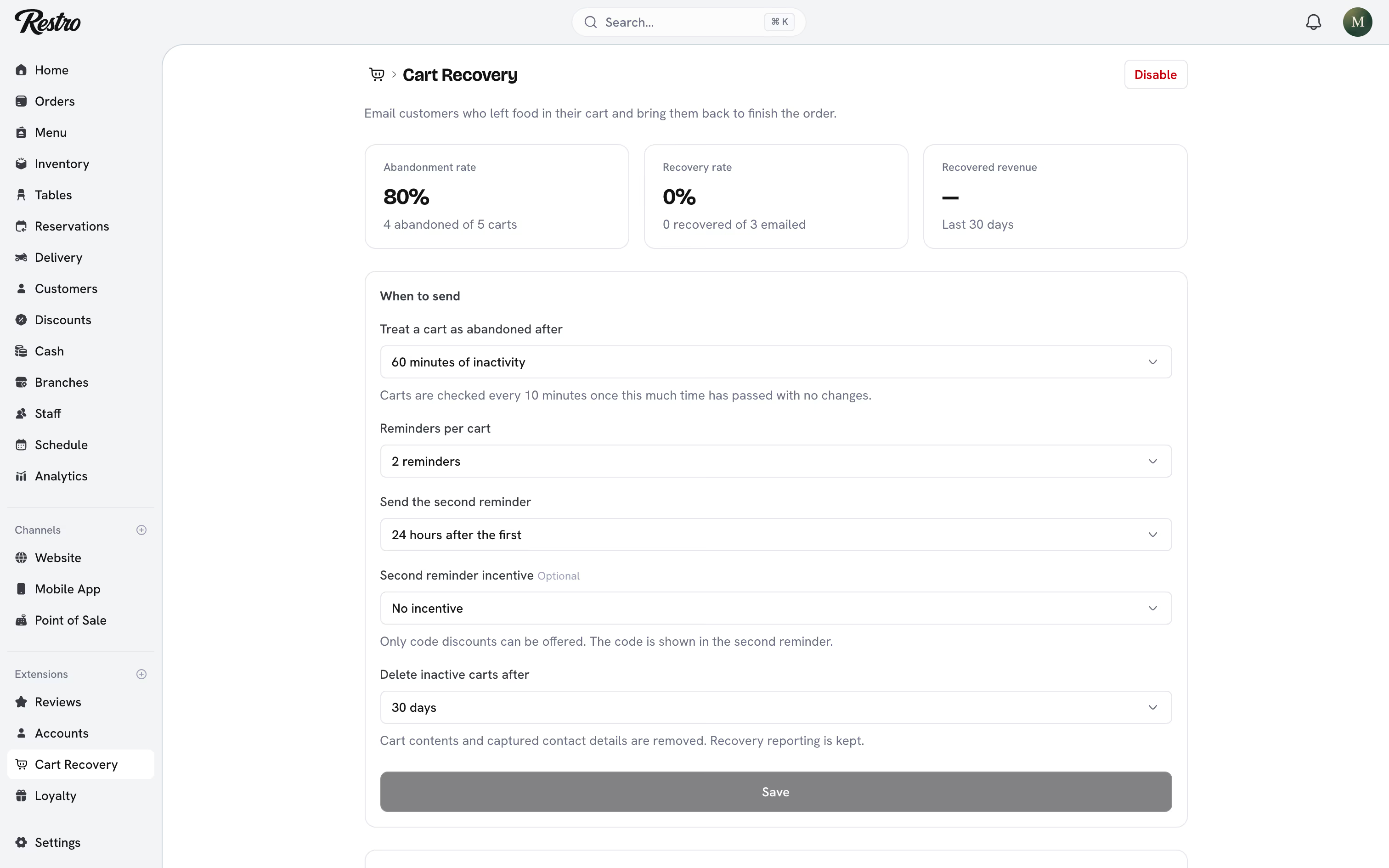
The page shows your abandonment rate, recovery rate and recovered revenue for the last 30 days, with the most recent abandoned carts. Inactive carts are deleted after the retention window you choose, along with any contact details captured at checkout. Recovery reporting is kept.
#Localize
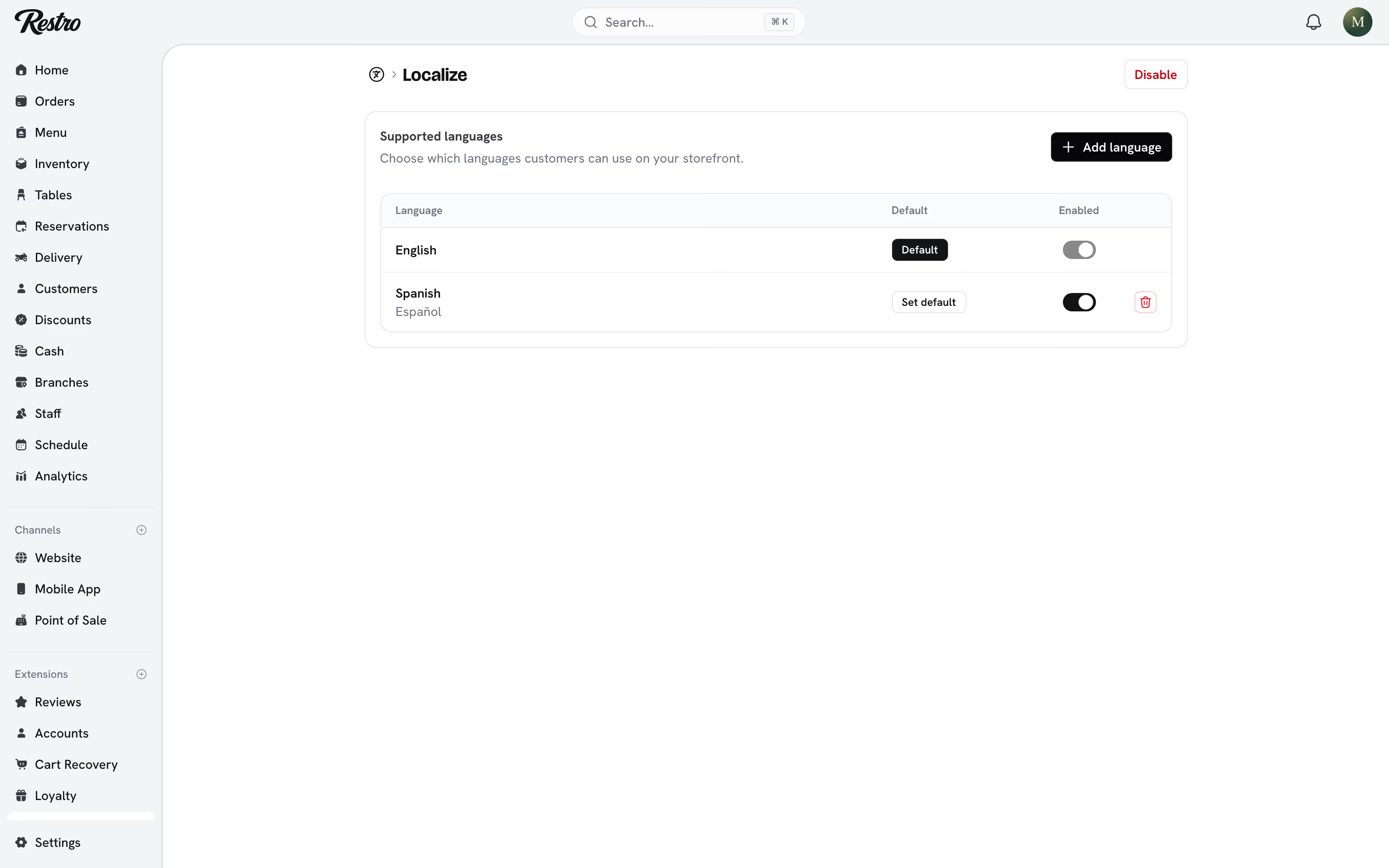
Adds languages to your website and app. Menu names, descriptions and category names each carry a value per language, and customers see their own.
Add languages under Supported languages on the Localize page and pick a default. The number you can add depends on your plan. Enabling a language whose menu is mostly untranslated shows a warning, because missing fields fall back to the default language.
Any field with the translations icon can fill itself in. Open it and choose Translate missing: every enabled language that is still empty gets a translation from your default language. Text you already wrote is never replaced. To translate a whole menu at once, go to Menu → Translations, pick a language and choose Translate. Results land as unsaved changes so you can read them over before saving, and Discard throws the run away.
Translation runs on your own computer, so nothing you type is sent anywhere. It needs a Chromium browser such as Chrome or Edge and covers a subset of the languages Restro supports. The button is hidden in browsers that cannot do it, and a language it cannot handle is reported and left blank for you. The first translation into a language downloads a language pack, so it takes longer than the ones after it.
#Tracking pixels
Meta Pixel, Google Analytics, Tag Manager, TikTok Pixel and Snapchat Pixel each have their own extension. Paste in the id from the provider (a Pixel ID, a Measurement ID or a Container ID). Restro then sends the standard shopping events: page view, view content, add to cart, begin checkout and purchase.
Your app cannot run browser pixels, so Meta Pixel and Google Analytics also take a server credential (a Conversions API access token or a Measurement Protocol API secret). With it, Restro reports the same events from your app as from your website. Each extension links to the provider's own instructions under Where do I find this?
#Cookie Consent
Shows a consent banner and holds back tracking pixels until a visitor agrees. Choose Opt-in (ask first), where no pixels load until the visitor accepts, or Opt-out (allow by default), where pixels load immediately and visitors can reject afterwards. Pick a Bottom bar or a Floating box, and show a Customize option so visitors can accept analytics and marketing separately.
Tip
If you serve customers where consent is required, turn Cookie Consent on before the pixels.
Did this page miss something? Tell us.
Back to top