Mobile app
Publish an iOS and Android ordering app under your own brand, without your own Apple or Google developer accounts.
The mobile app is the same product as your website (same menu, same customers, same orders) delivered as a native app on iOS and Android. Mobile App in the sidebar is where you manage it.
#Setting it up
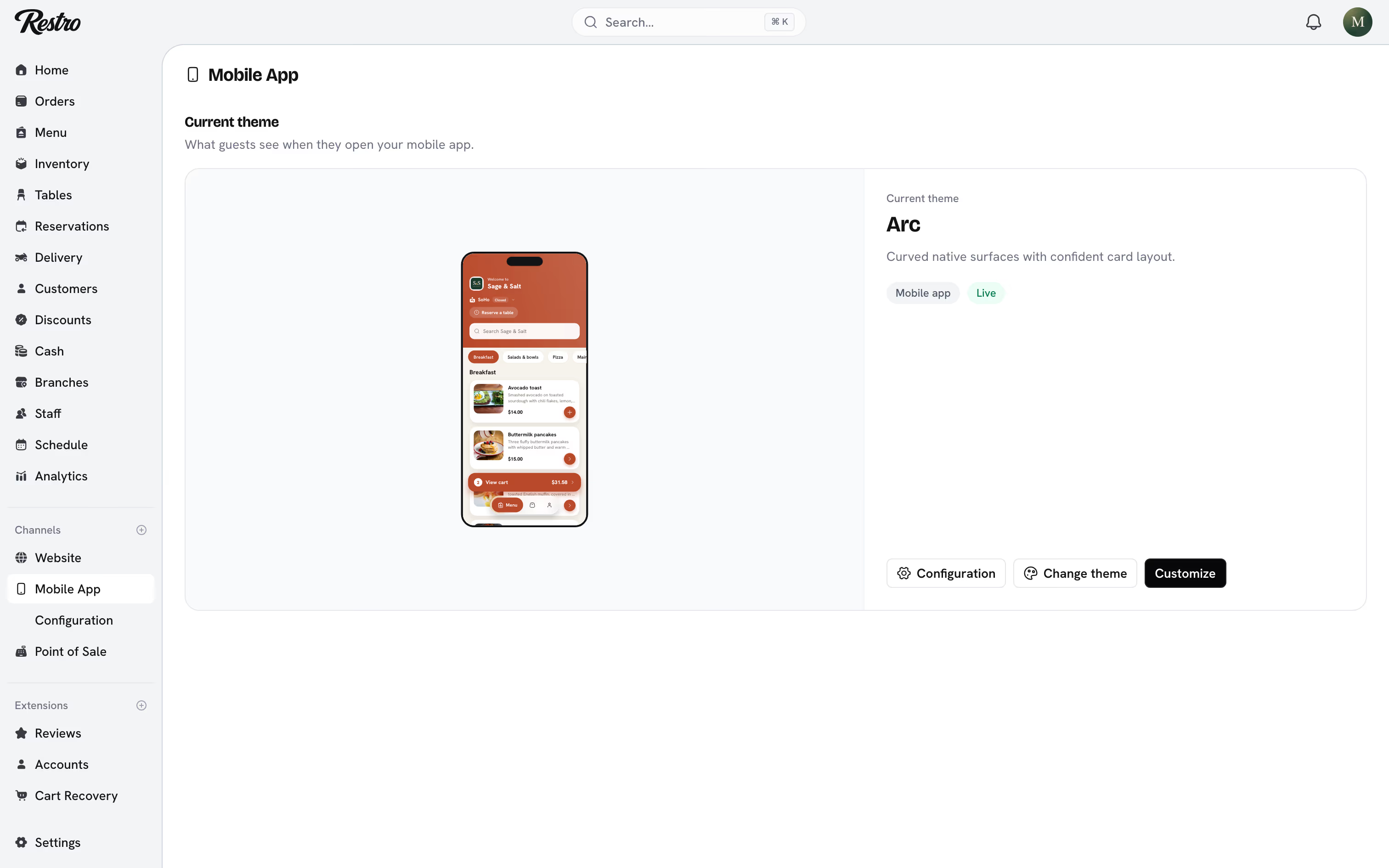
Mobile App. Choose Customize to set your colors, and check the preview, which shows what customers will see on their phone. The menu has to be published for the preview to load.
#Store listing
Mobile App → Configuration holds everything Apple and Google need to publish your app, in four tabs.
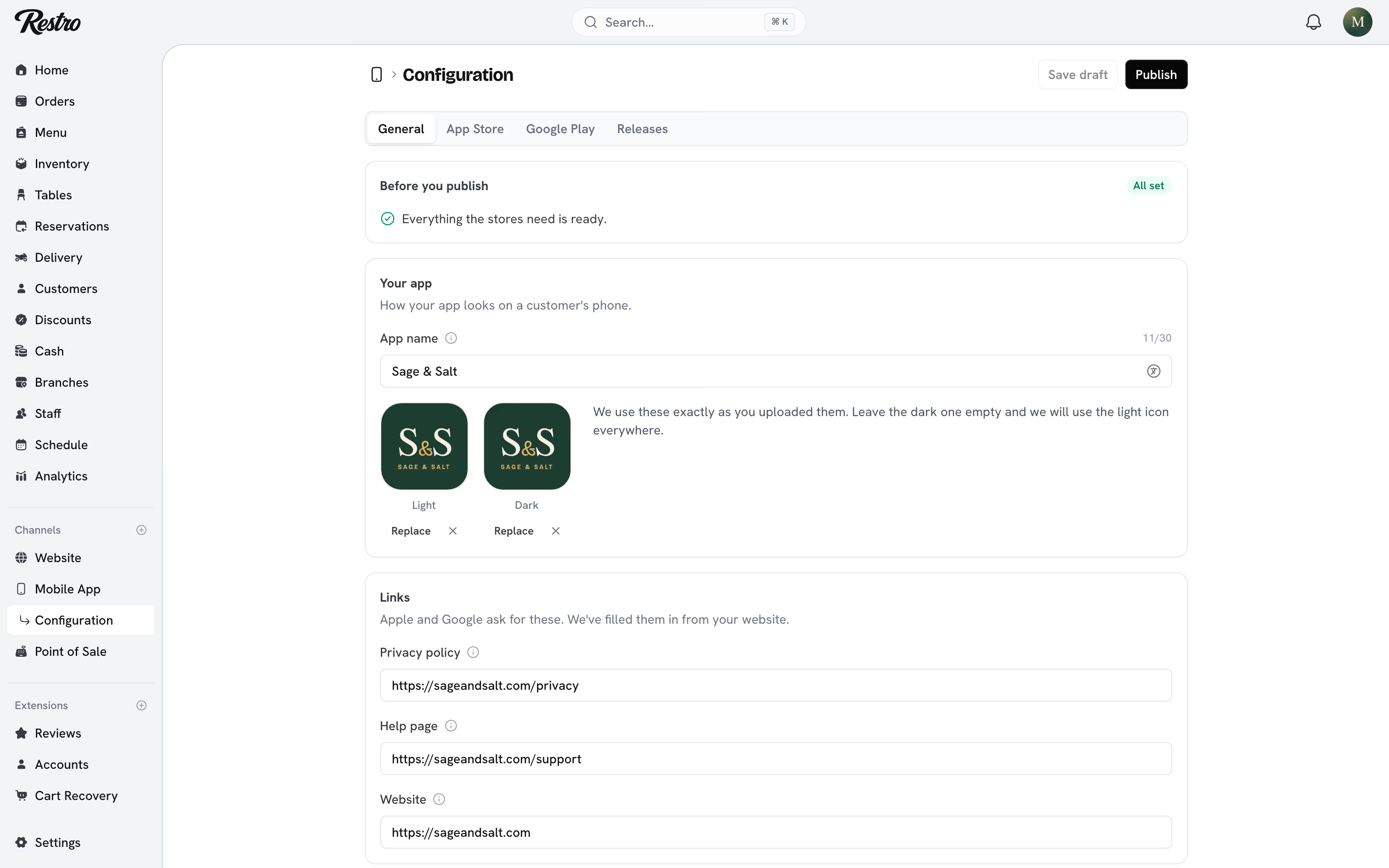
General is your app name, your icon, and the links both stores require. The links point at the website Restro hosts for you, so they are usually correct before you touch them. Restro builds your icon from your logo, one for light phones and one for dark. If you would rather design your own, upload square images on a solid background; Apple rejects icons with see-through areas.
App Store and Google Play each hold that store's own words and pictures. The two stores ask for slightly different things, so the fields differ. Every field counts your characters as you type, because the stores turn down anything over the limit.
Images live on the tab for the store they belong to. Apple needs at least three iPhone pictures. Google needs at least two phone pictures plus a wide banner for the top of your page. Drag them into order, because the first one is what most people see.
If your restaurant has more than one language, text and images can differ per language. Text fields carry a translations button, and the images section has a language picker. Languages you leave empty fall back to your default one.
#Make images for me
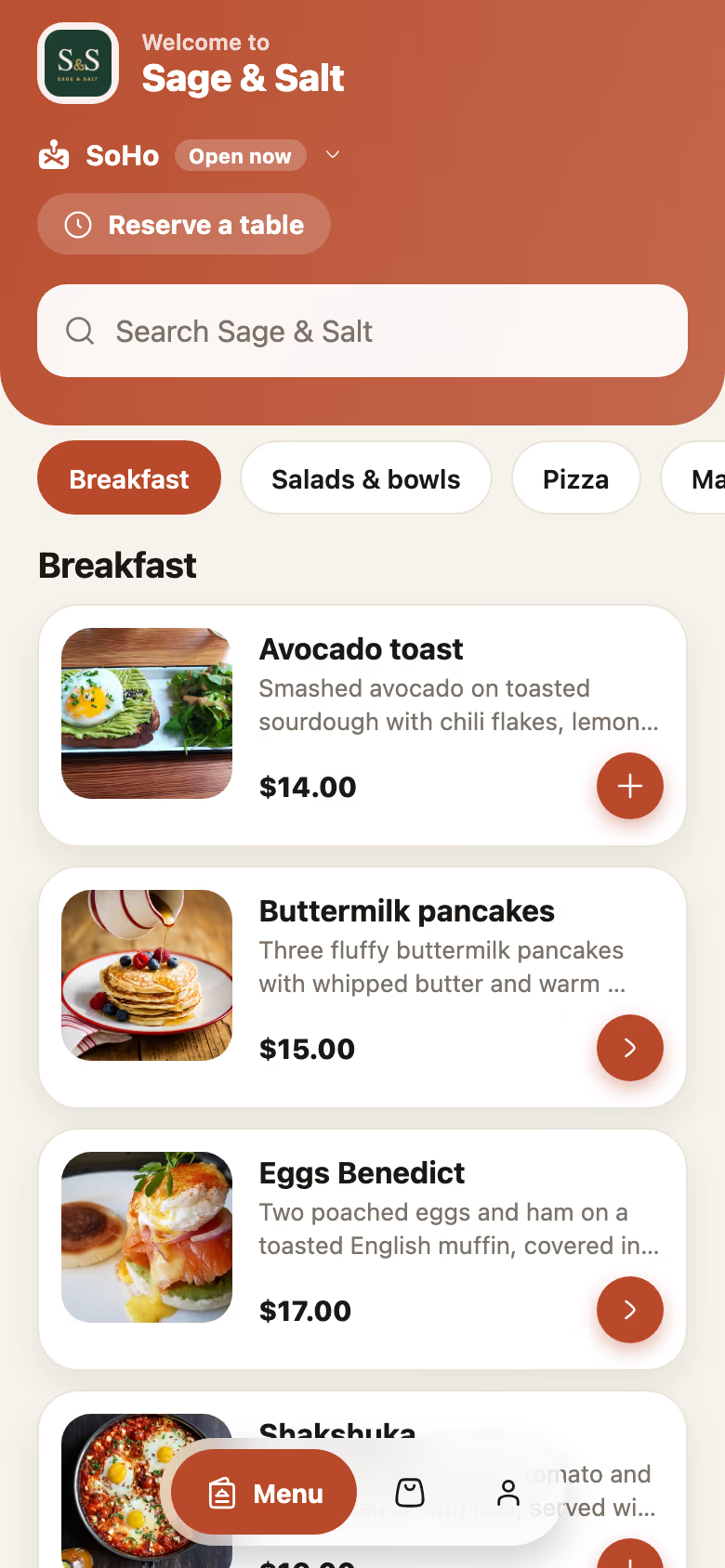
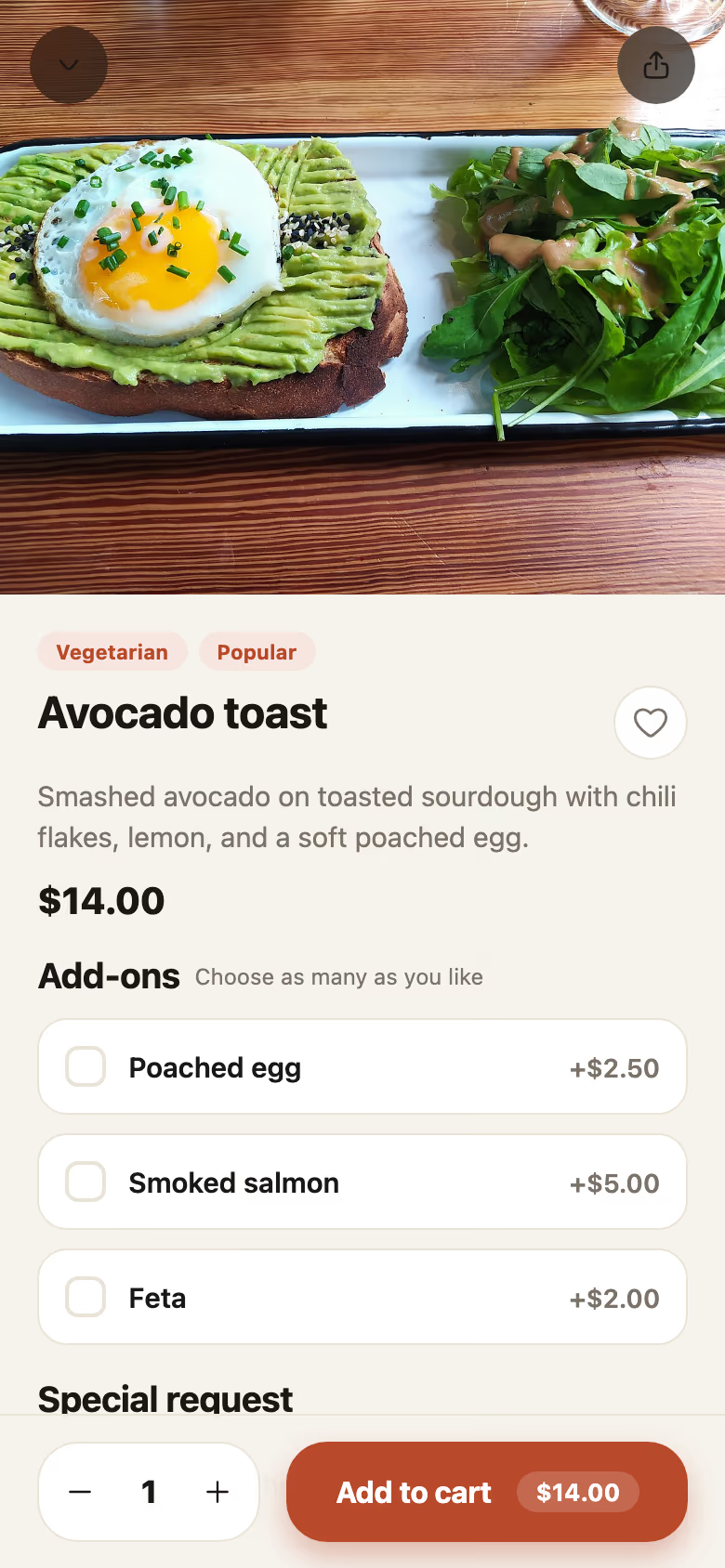
You do not have to design anything. Make images for me builds a complete set from your live app, with your real menu and branding, and fills what both stores need in one go. Pick a look, write your own caption on each image, and page through them before you commit. Images Restro made are labeled and replaced the next time you use it; anything you uploaded yourself stays.
#Publishing and releases
Restro builds and submits the app under its own developer accounts, so you do not need an Apple or Google account.
Publish stays off until the Before you publish checklist on the General tab is clear. You are asked what changed, which both stores show to customers when they update.
Restro checks every release before it reaches Apple or Google. If something needs changing, it comes back with a reason on the Releases tab, and you can publish again once it is fixed. You can keep editing while a release is on its way; those edits go out with the next one. Withdraw on the same tab pulls a release back.
Whoever pressed Publish gets an email at every step: when the release reaches Restro, when it is sent to the stores, when it goes live, and if it comes back with something to fix.
#Notifications customers get
The app notifies a customer each time their order moves: Confirmed, Preparing, Ready, Out for delivery, Completed, and Cancelled. A status set on the kitchen display, on the Orders screen, or at the point of sale reaches the customer the same way. Nothing needs configuring.
The wording adapts to the order type and is sent in the language the customer's phone uses. Tapping a notification opens that order.
Customers control this under Account → Notifications in the app. Order status is on by default. Offers and news is off until the customer turns it on, and turning it off never stops order updates. Guests who order without an account still get updates on the device they ordered from.
#Tracking
Browser pixels do not run in a native app. Restro reports the same order events to Meta and Google for you, so app orders show up in your reporting too. See Extensions.
#What differs from the website
Very little by design. The app can use the phone's location to pick the nearest branch, and customers can save payment details. It cannot use a custom domain. Everything else, from the menu and availability rules to discounts, store credit, and accounts, behaves the same.
Did this page miss something? Tell us.
Back to top