When items appear and disappear
The eight checks that decide whether a customer can order an item right now, in the order to walk through them.
Menu & inventory1 min read
An item can be ordered only when every one of these checks passes. When something is missing from your website or the point of sale and you cannot see why, walk the list in order.
- The item is published. An unpublished item is hidden everywhere, with no exceptions. Check Published in the item editor.
- The item is listed at that branch. Each branch price has a Listed switch. An unlisted item does not appear at that branch even though it exists elsewhere.
- The item has a price at that branch. No price means no sale.
- The item is not marked unavailable at that branch. An Unavailable until time hides the item with a reason for up to 30 days. It is set per branch: the Grilled salmon can be Sold out at SoHo while Williamsburg keeps selling it.
- The category is within its schedule. If the category has an availability schedule, its items disappear outside those windows.
- The item is within its own schedule. Items can carry a schedule on top of the category's. Both must allow the current time.
- The branch is open and taking orders. Outside opening hours, or when the branch is set to Temporarily closed, nothing can be ordered. A Busy branch still takes orders but warns customers about longer waits.
- Stock is sufficient, if you asked for that. With Mark unavailable when ingredients run out switched on, the item hides itself when any recipe ingredient at that branch is short of one serving.
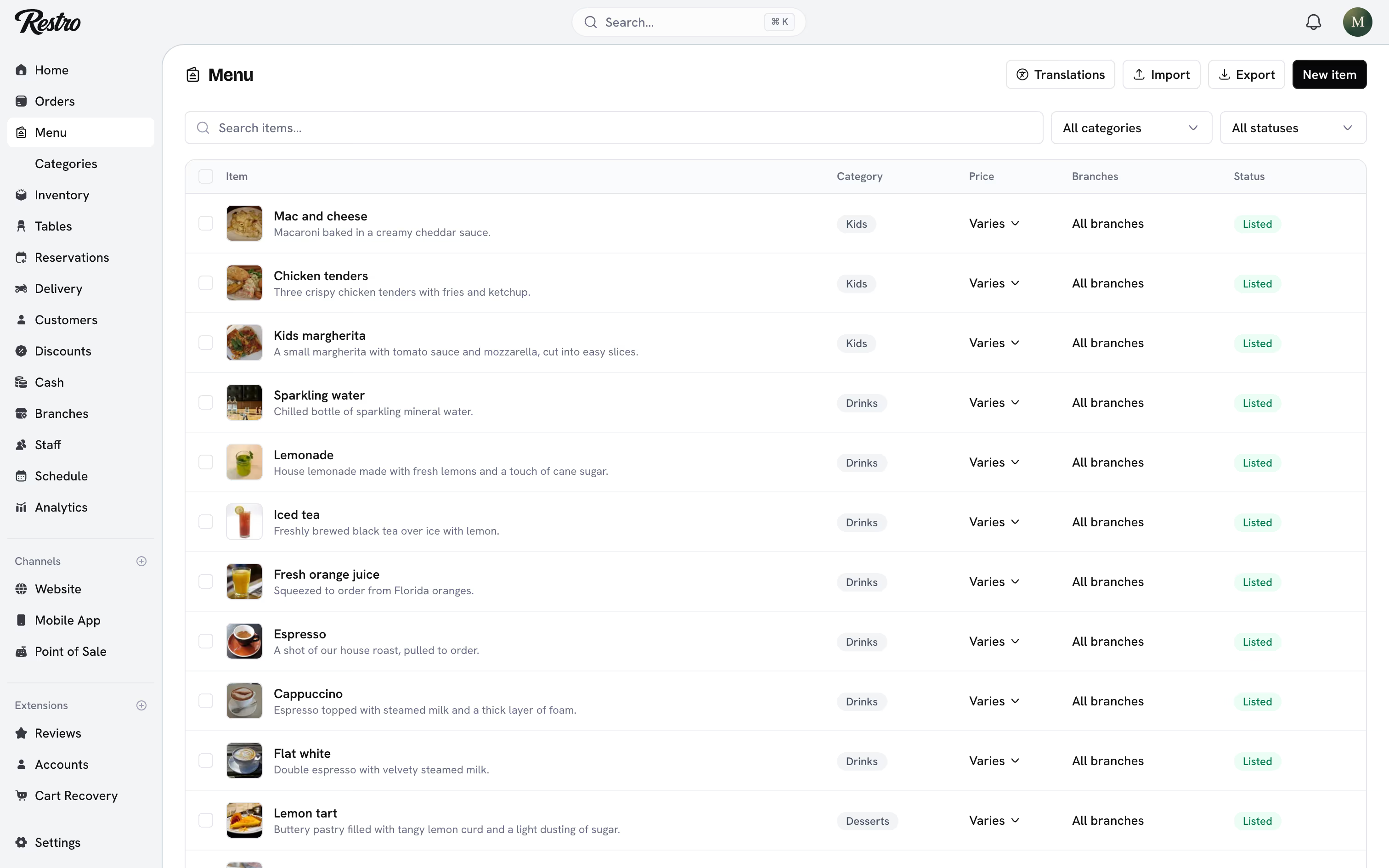
#Where to look first
Start at the branch, not the item. Confirm the branch is open, then confirm the item is listed, priced, and available at that branch. Nine times out of ten it is one of those, not a schedule.
#Related
Did this page miss something? Tell us.
Back to top